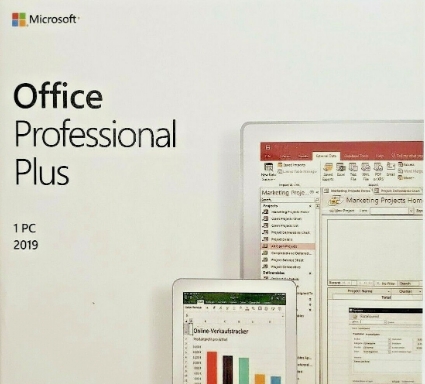
How To install Office 2019 Professional Plus
To install Office 2019 Professional Plus, you typically need to follow these steps:
-
Purchase Office 2019 Professional Plus: First, you need to purchase a valid license for Office 2019 Professional Plus from an authorized retailer or Microsoft directly.
-
Obtain Installation Media or Download: You can obtain the Office 2019 installation files in several ways:
- If you purchased a physical copy, you might have received a DVD with the installation files.
- If you purchased a digital copy, you can download the installation files from the Microsoft website using your product key.
-
Run the Installation Setup: Once you have the installation files, double-click the setup file to start the installation process.
-
Enter Product Key: During the installation process, you will be prompted to enter your product key. This is the 25-character alphanumeric key that came with your purchase.
-
Accept License Terms: Review the license agreement and accept it to proceed with the installation.
-
Choose Installation Options: You may be given options to customize your installation, such as choosing which Office applications to install or selecting the installation location.
-
Wait for Installation: The installation process may take some time, depending on your computer's speed and the options you selected.
-
Activation: Once the installation is complete, launch any Office application (e.g., Word, Excel) and follow the prompts to activate your Office 2019 Professional Plus license. You'll need to sign in with your Microsoft account associated with the Office 2019 Professional Plus license or enter the product key if prompted.
-
Updates: After activation, it's recommended to check for updates to ensure you have the latest features and security patches. You can do this by opening any Office application, going to the "File" menu, selecting "Account," and then clicking on "Update Options" followed by "Update Now."
Following these steps should guide you through the installation process of Office 2019 Professional Plus. If you encounter any issues during installation, refer to the troubleshooting resources provided by Microsoft or contact Microsoft support for assistance.